Build with Blocks Guides
Practical tutorials for placing blocks, mining smarter, and shaping a plot you actually want to revisit.
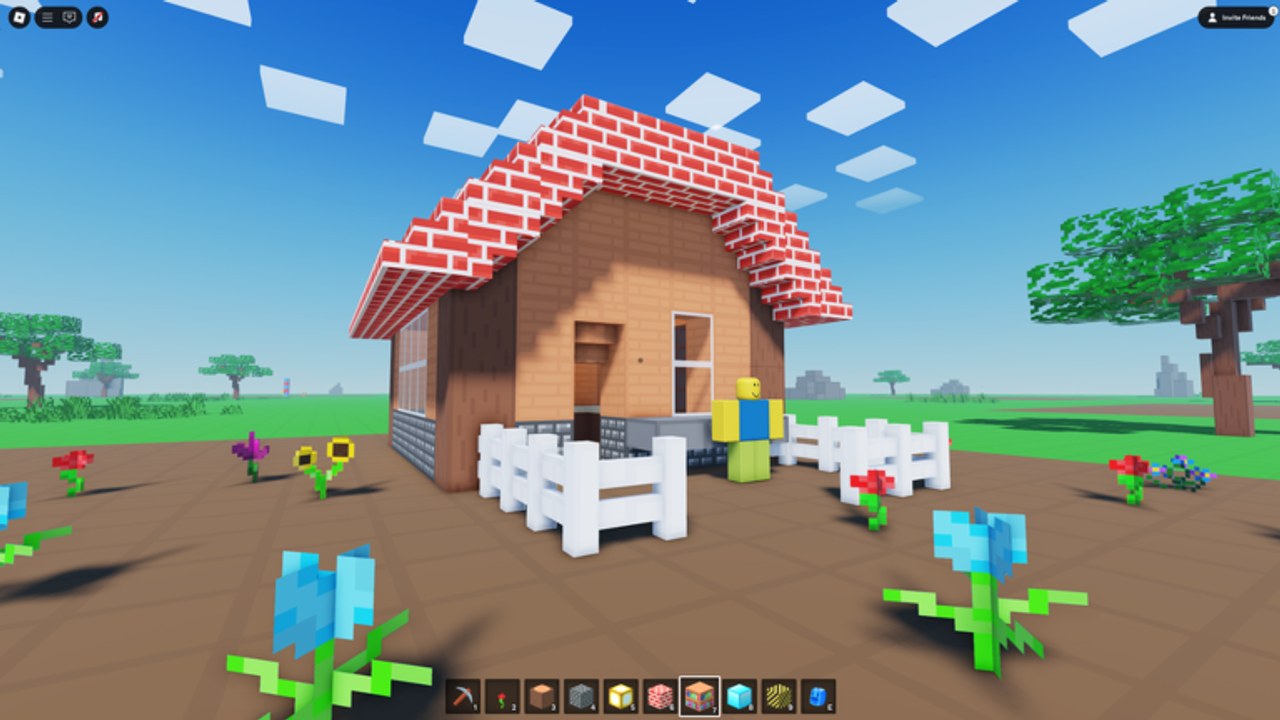
The Guides Hub is the tutorial spine of this Build with Blocks wiki. Goober Labs keeps the onboarding intentionally short—open inventory, place a block, mine with the pickaxe—so most mastery comes from habits you build on your own plot. These pages turn that three-step blurb into session-ready playbooks.
Start here
- Getting Started — first join, plot claim, and a 15-minute warm-up build
- Controls — PC click placement vs mobile tap flow
- How to Build — inventory, selection, placement rhythm, with a real gameplay video
- How to Mine — reclaim mistakes without rage-quitting
- Building Tips — silhouettes, color blocking, and roleplay-ready layouts
- Build Ideas — cottages, cafés, towers, and themed shells
- Plot Saves — rejoin fixes, screenshots, griefing safety
- Mobile Play — tap placement and phone performance
What players search for
Roblox search and YouTube comments for this title cluster around a few intents:
- How to place blocks when the inventory feels invisible on first load
- How to mine / remove blocks after accidental towers
- Plot saving questions (progress is tied to the experience’s plot system—rejoin if a plot fails to load)
- Roleplay houses and café shells on an 8-player server
- Weekly update curiosity because the description promises frequent drops
Each guide below answers one intent deeply, then cross-links so you never dead-end.
Recommended learning path
Session 1: Finish Getting Started and place a 5×5 foundation. Session 2: Read How to Build and add walls with a single material. Session 3: Use How to Mine to carve doors and windows (manual openings until the doors feature arrives from the Voxel Block Builder pipeline). Session 4: Apply Building Tips for roofs, pathways, and color contrast. Session 5: Pick a theme from Build Ideas and verify persistence with Plot Saves. Phone players should keep Mobile Play open. Between sessions, skim Codes and Updates.
How these guides stay accurate
Mechanics quoted from the official experience description: inventory select → click/tap place → pickaxe mine. Studio context comes from the Goober Labs group (doors announced on Voxel Block Builder first). Visit and favorite stats are refreshed from Roblox universe 8827949529. When a weekly patch changes UI labels, we revise the matching guide instead of leaving stale screenshots in the prose.
Pair guides with other hubs
- Claim freebies on Codes before a big build night
- Rank materials on the tier list
- Stay safe on Scripts if you were tempted by auto-place tools
- Coordinate friends via Players
- Verify URLs on the Links Hub
Guide index
| Guide | Best for |
|---|---|
| Getting Started | Brand-new players |
| How to Build | Placement mastery |
| Controls | Input confusion |
| How to Mine | Cleanup and reuse |
| Building Tips | Better-looking plots |
| Build Ideas | Theme prompts |
| Plot Saves | Load and safety |
| Mobile Play | Phone builders |
Pick one article, build for twenty minutes, then return for the next. Build with Blocks rewards consistency more than secret tech trees—your plot is the progression system.
Frequently Asked Questions
Quick answers for Build with Blocks players.
Which guide should I open first?
Start with Getting Started, then How to Build if placement still feels awkward.
Do the guides work on mobile?
Yes. Controls calls out tap placement, and the other tutorials use device-agnostic steps.
Are these official Goober Labs docs?
No. They are unofficial fan guides based on the live experience description, group announcements, and player workflows.
Where do I find patch notes?
See the Updates hub and the Goober Labs community page.
Where are house themes listed?
Open Build Ideas for cottages, cafés, towers, and more session recipes.
My plot disappeared—what now?
Follow Plot Saves rejoin steps before rebuilding.